
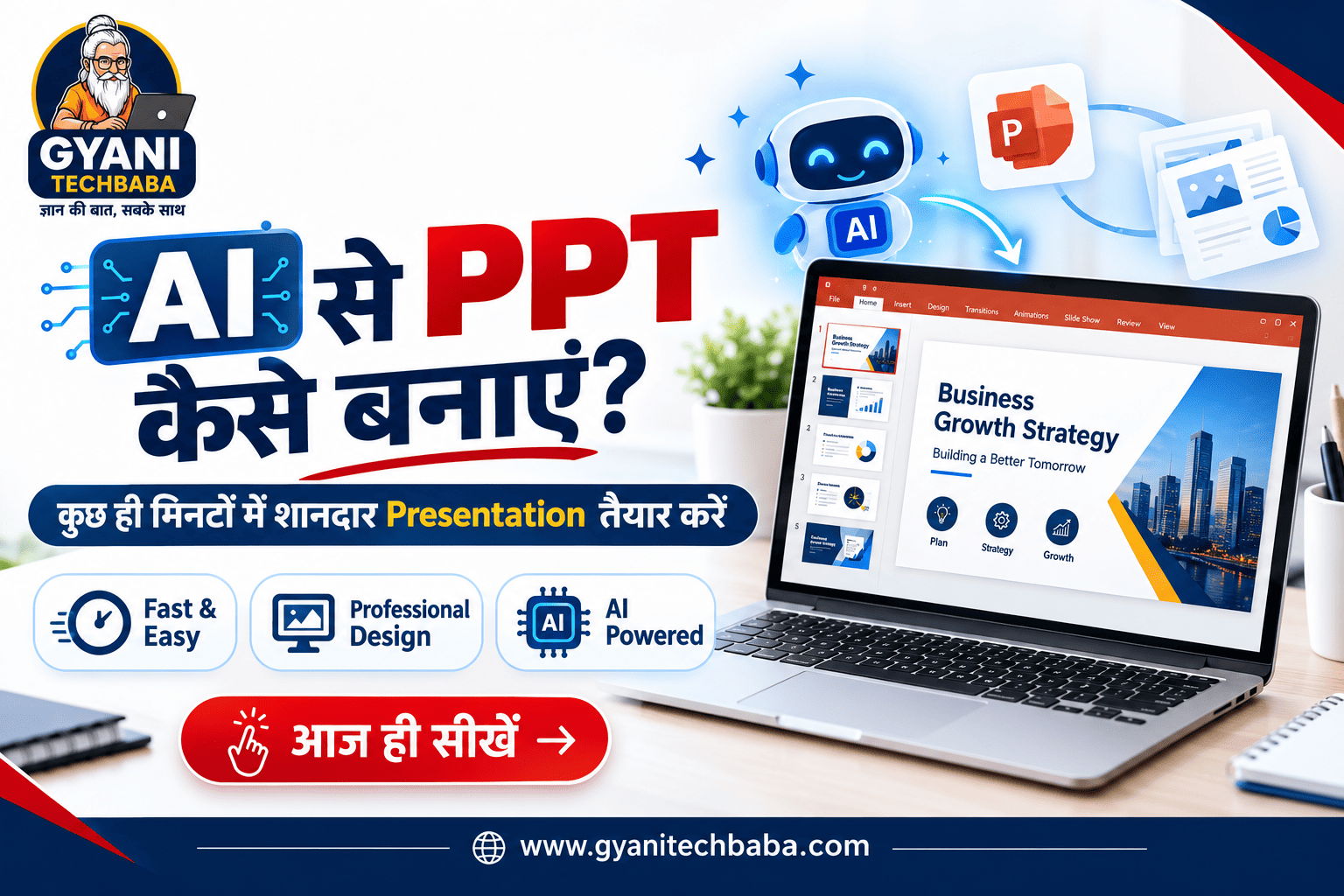
AI Se PPT Kaise Banaye? 2026 में AI की मदद से Professional PPT बनाने का आसान तरीका
आज के समय में Presentation यानी PPT बनाना हर किसी के लिए जरूरी हो गया है। चाहे आप Student हों, Teacher हों, Business Owner हों या Office में काम करते हों, किसी भी Topic को अच्छे तरीके से Present करने के लिए एक Professional Presentation की जरूरत पड़ती है।लेकिन कई लोगों के लिए PPT बनाना काफी समय लेने वाला काम होता है।
सही Content लिखना, Slides का Structure तैयार करना, Images लगाना और Design को Professional बनाना आसान नहीं होता। ऐसे में Artificial Intelligence यानी AI आपकी काफी मदद कर सकता है।
अब आप सिर्फ अपने Topic के बारे में कुछ जानकारी देकर AI की मदद से Presentation का Outline, Slide Content और Design तैयार कर सकते हैं। इस Article में हम जानेंगे कि AI Se PPT Kaise Banaye, कौन-कौन से AI Tools इसके लिए उपयोगी हैं और Professional PPT बनाने के लिए किन बातों का ध्यान रखना चाहिए।
AI Se PPT Kaise Banaye?
AI की मदद से PPT बनाने का सबसे आसान तरीका है कि आप किसी AI Presentation Tool का इस्तेमाल करें। इसमें आपको सबसे पहले अपना Topic बताना होता है और फिर AI आपके लिए Presentation का शुरुआती Structure तैयार कर सकता है।
उदाहरण के लिए अगर आपको “Digital Marketing” पर PPT बनानी है तो आप AI Tool में ऐसा Prompt दे सकते हैं:
“Create a professional 10-slide presentation on Digital Marketing for beginners. Include introduction, important strategies, benefits, examples and conclusion.”
AI आपके Topic के अनुसार Slides का Structure तैयार कर सकता है। इसके बाद आप Content को अपनी जरूरत के हिसाब से Edit करके Presentation को Final कर सकते हैं।
AI से PPT बनाने के लिए कौन-कौन से Tools इस्तेमाल करें?
आज कई AI Tools Presentation बनाने में मदद करते हैं। इनमें Canva AI और Microsoft PowerPoint Copilot जैसे Tools काफी उपयोगी हैं।
1. Canva AI से PPT कैसे बनाएं?
anva एक popular online design platform है, जिसमें AI की मदद से Presentation तैयार करने की सुविधा भी मिलती है। Canva के AI Presentation Maker में आप अपने Topic या Prompt के आधार पर Slides का शुरुआती Design और Content तैयार कर सकते हैं।
इसके बाद Text, Images, Colors और Layout को अपनी जरूरत के अनुसार Customize किया जा सकता है।Canva से PPT बनाने के लिए सबसे पहले Canva Website या App Open करें। इसके बाद Presentation या AI Presentation feature को Select करें। अब अपनी Presentation के बारे में एक Detailed Prompt लिखें।
उदाहरण:
“Create a 10-slide presentation about Artificial Intelligence in simple Hindi for college students.”
इसके बाद AI आपके Topic के आधार पर Presentation तैयार करने में मदद करेगा। Slides बनने के बाद आप उनका Content, Font, Color, Images और Layout बदल सकते हैं। Final Presentation को जरूरत के अनुसार PPTX, PDF या दूसरे available formats में Export किया जा सकता है।
2. Microsoft PowerPoint Copilot से PPT बनाएं?
अगर आप Microsoft PowerPoint का इस्तेमाल करते हैं तो Copilot भी Presentation बनाने में मदद कर सकता है।
Microsoft के अनुसार Copilot में आप Topic बताकर Presentation का Draft तैयार कर सकते हैं और बाद में Slides को Edit तथा Refine कर सकते हैं।
PowerPoint में Copilot Open करने के बाद आप अपने Topic के बारे में स्पष्ट Prompt दे सकते हैं।
जैसे:“Create a professional presentation about the benefits of Digital Marketing for small businesses.”
Copilot पहले Presentation का Outline तैयार कर सकता है। आप इसमें Slides को Add, Remove या Reorder कर सकते हैं। Outline पसंद आने के बाद Presentation Generate की जा सकती है।
इसके बाद AI की मदद से Slide Text और Images में भी बदलाव किए जा सकते हैं।ध्यान रखें कि Copilot की availability आपके Microsoft 365 Plan, Account और Organization Settings पर निर्भर कर सकती है।
Presentation को ज्यादा Professional बनाने के लिए एक Slide पर बहुत ज्यादा Text न रखें। छोटे Points, Clear Headings और Relevant Images का इस्तेमाल करें।
इसके अलावा पूरी Presentation में एक जैसा Font, Color Scheme और Design Style रखने की कोशिश करें। इससे PPT ज्यादा Clean और Professional दिखाई देती है।
Students के लिए AI से PPT कैसे बनाएं?
Type your paragraph hStudents के लिए AI से PPT बनाना काफी आसान हो सकता है। अगर आपको School या College Project के लिए Presentation बनानी है तो सबसे पहले अपने Project का Topic तय करें।इसके बाद AI Tool को बताएं कि Presentation किस Class या Course के लिए है और कितनी Slides चाहिए।
उदाहरण:“Create a 10-slide Hindi presentation on Global Warming for Class 10 students. Include introduction, causes, effects, solutions and conclusion.”
AI से शुरुआती Content और Structure लेने के बाद आप अपने Notes, Textbook और भरोसेमंद Sources से Information को Verify कर सकते हैं।ere
Office और Business के लिए AI PPT
Business Presentation, Sales Pitch, Marketing Plan, Project Report और Company Presentation के लिए भी AI काफी उपयोगी हो सकता है।आप AI को अपने Business की जानकारी देकर Presentation का Structure तैयार करवा सकते हैं।
उदाहरण के लिए Company Introduction, Problem, Solution, Product Features, Market Opportunity, Business Model और Conclusion जैसी Slides बनाई जा सकती हैं।
PowerPoint Copilot जैसे Tools existing documents को Presentation में बदलने में भी मदद कर सकते हैं। Microsoft के अनुसार Copilot कुछ scenarios में Word documents और अन्य supported files के आधार पर Presentation तैयार कर सकता है।
AI से PPT बनाने के फायदे
AI की मदद से Presentation बनाने का सबसे बड़ा फायदा Time Saving है। जहां एक सामान्य PPT तैयार करने में काफी समय लग सकता है, वहीं AI आपको शुरुआती Outline और Content जल्दी तैयार करके दे सकता है।
इसके अलावा AI आपको Presentation के लिए नए Ideas, Slide Structure और Content Suggestions भी दे सकता है। खासकर उन लोगों के लिए यह उपयोगी है जिन्हें Design या Presentation बनाने का ज्यादा अनुभव नहीं है।
निष्कर्ष-
अगर आप सोच रहे हैं कि AI Se PPT Kaise Banaye, तो इसका जवाब काफी आसान है। आप Canva AI या Microsoft PowerPoint Copilot जैसे AI-powered Tools की मदद से अपने Topic को एक Professional Presentation में बदल सकते हैं।
बस एक अच्छा Prompt तैयार करें, Slides का Outline बनवाएं, Content को Review करें और Design को अपनी जरूरत के अनुसार Customize करें। सबसे जरूरी बात यह है कि AI द्वारा तैयार की गई Information को बिना Check किए सीधे इस्तेमाल न करें।
AI को एक Assistant की तरह इस्तेमाल करें, न कि पूरी तरह अपने काम का Replacement समझें। सही Prompt, अच्छी Information और Human Editing के साथ आप कम समय में ज्यादा बेहतर और Professional PPT तैयार कर सकते हैं।
Nice content